

Kleer App
Kleer is an intelligent finance app that tracks your income, expenses, and accounts in one dashboard. AI-powered insights categorize transactions, suggest budgets, and help you reach your financial goals securely and easily.
Goal
Take control of your finances with clear tracking and smart recommendations.
Kleer App
Kleer is an intelligent finance app that tracks your income, expenses, and accounts in one dashboard. AI-powered insights categorize transactions, suggest budgets, and help you reach your financial goals securely and easily.
Goal
Take control of your finances with clear tracking and smart recommendations.
First step, upload statement
Follow these simple steps to upload your statement and start tracking your finances with AI insights.
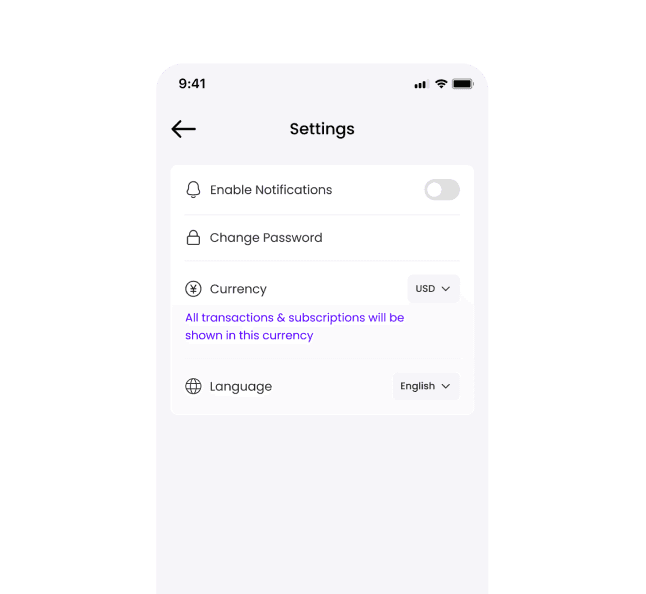
Choose Currency
Select your preferred currency. All transactions & subscriptions will be shown in this currency.
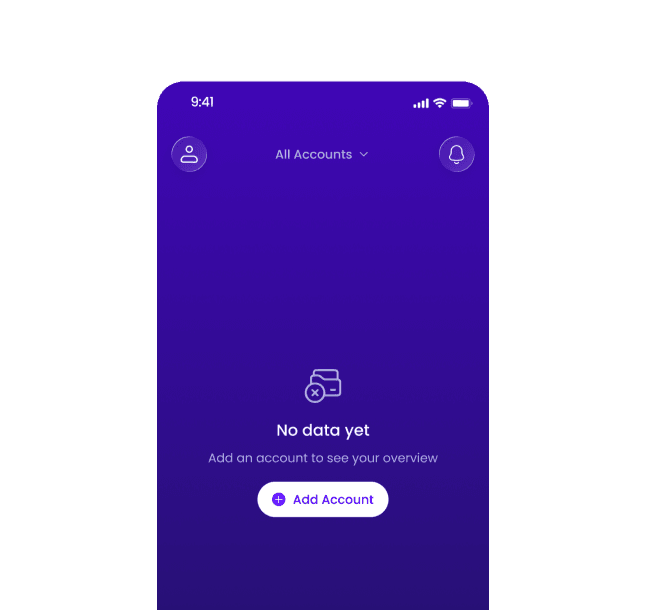
Add Account
From the home screen, tap "Add Account" to add your bank and start uploading statements.
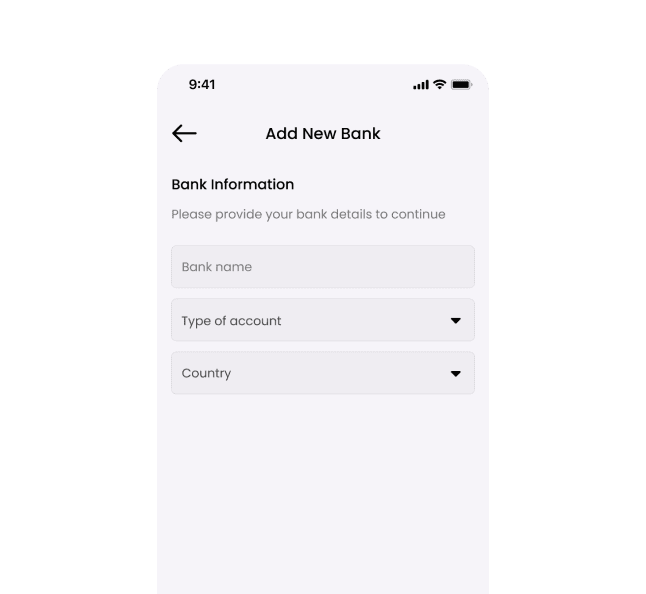
Add New Bank
Enter your bank information to upload statements and view your financial overview.
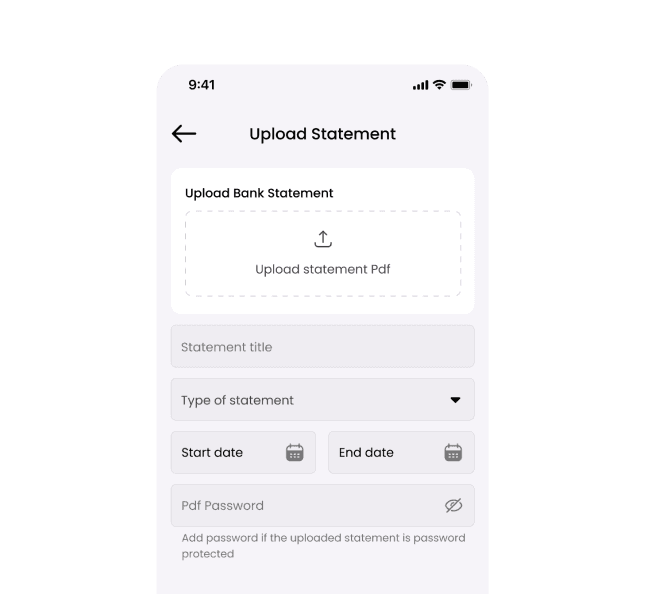
Upload Statement
Upload your statement. Add the title, select the type, choose the statement dates, and enter the password if required.
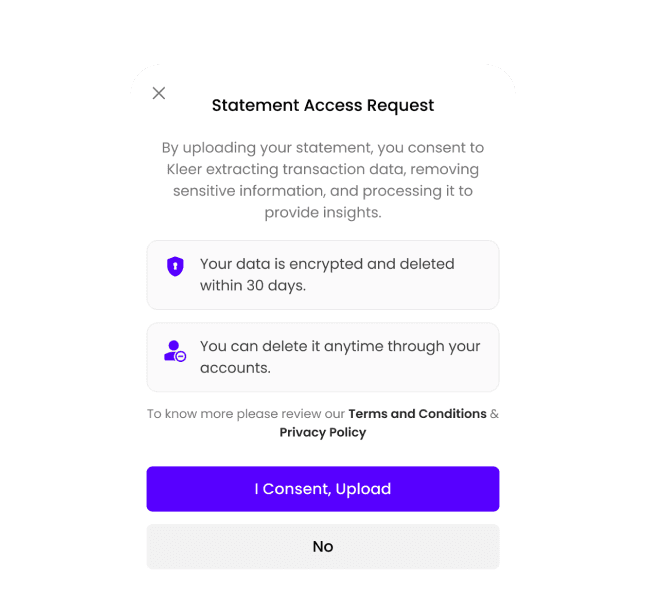
Uploading in Progress
Allow us to analyze your uploaded statement to categorize your income and expenses securely.
Home Page
Get a snapshot of all your accounts—track balances, income, expenses, and transactions easily.
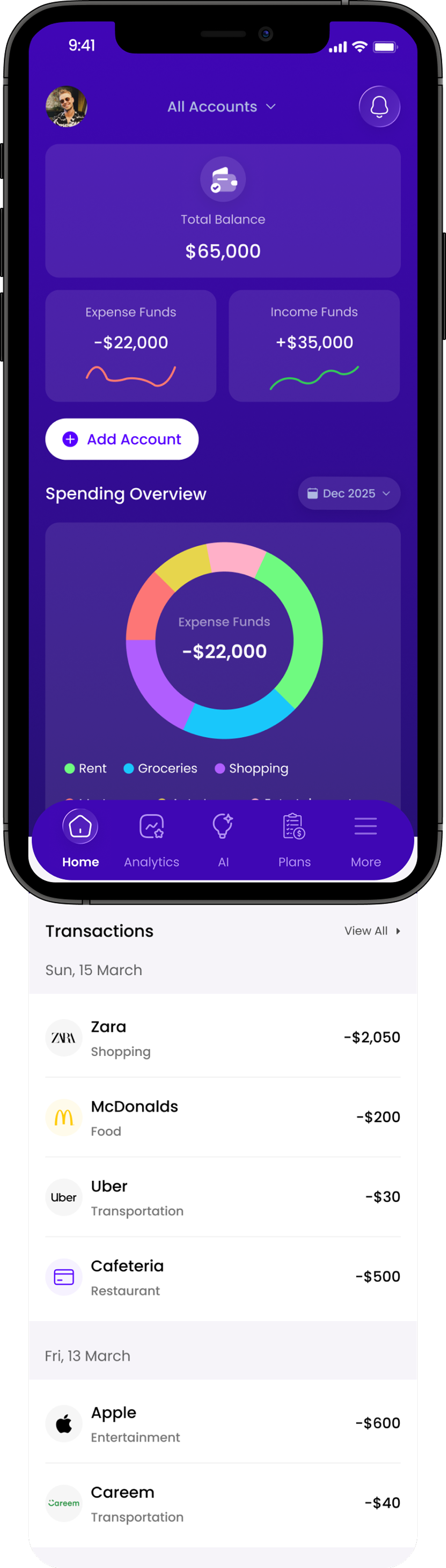
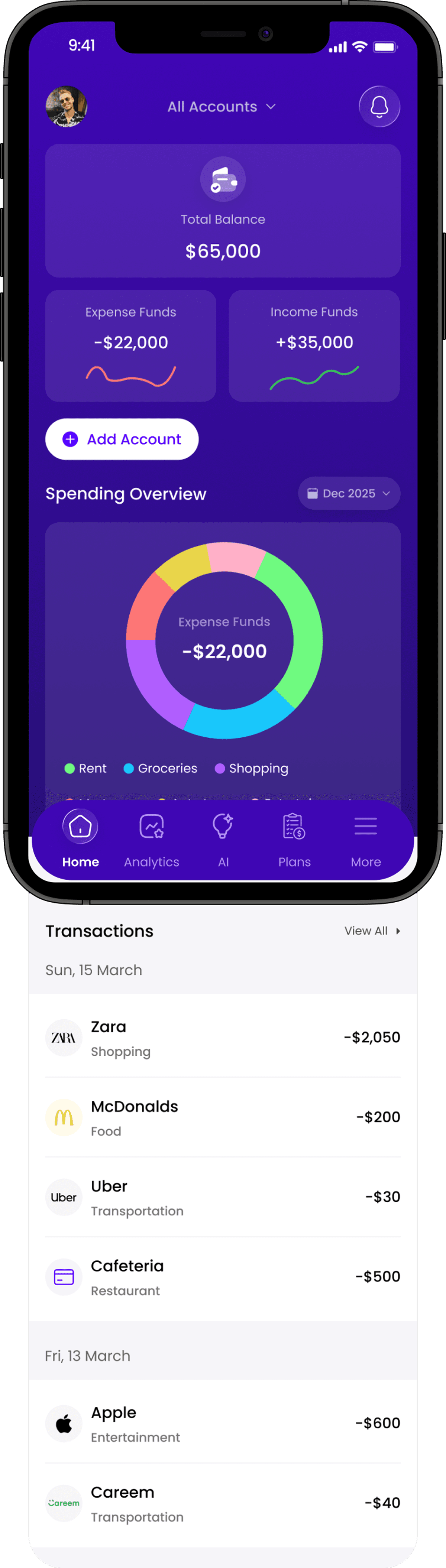
Financial Overview
Quick summary of total balance, income, and expenses calculated from uploaded bank statements.
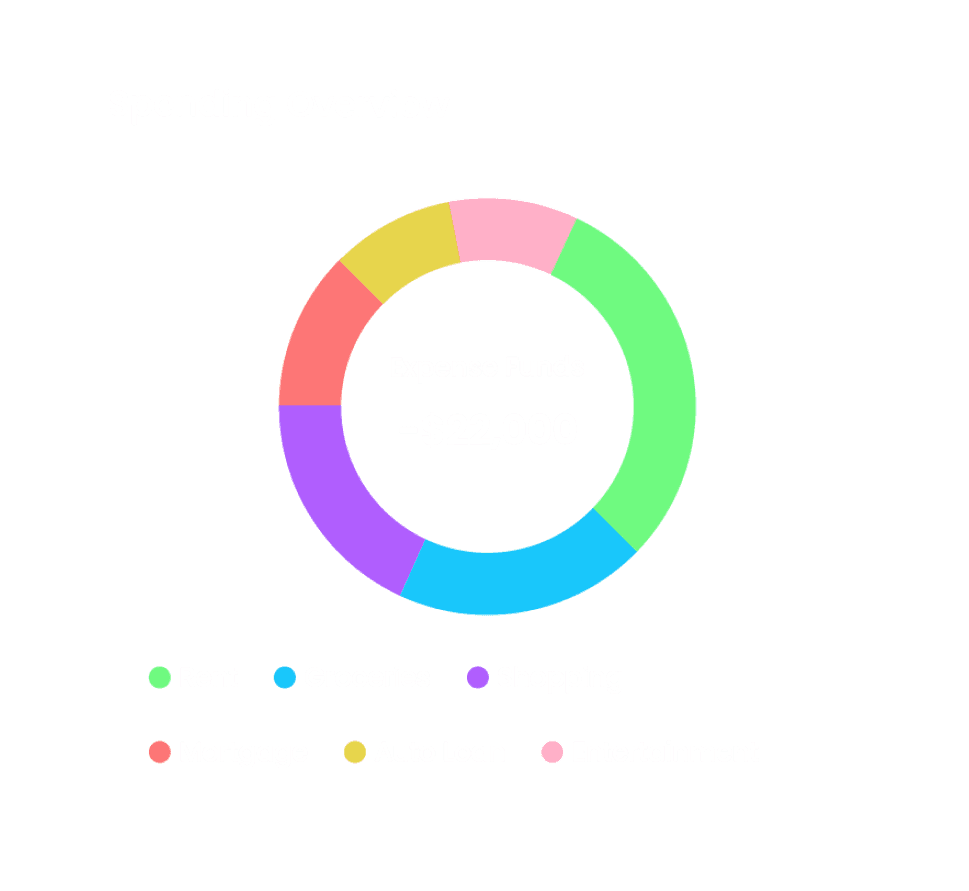
Spending Overview
Visual breakdown of expenses by category to identify highest spending areas instantly.
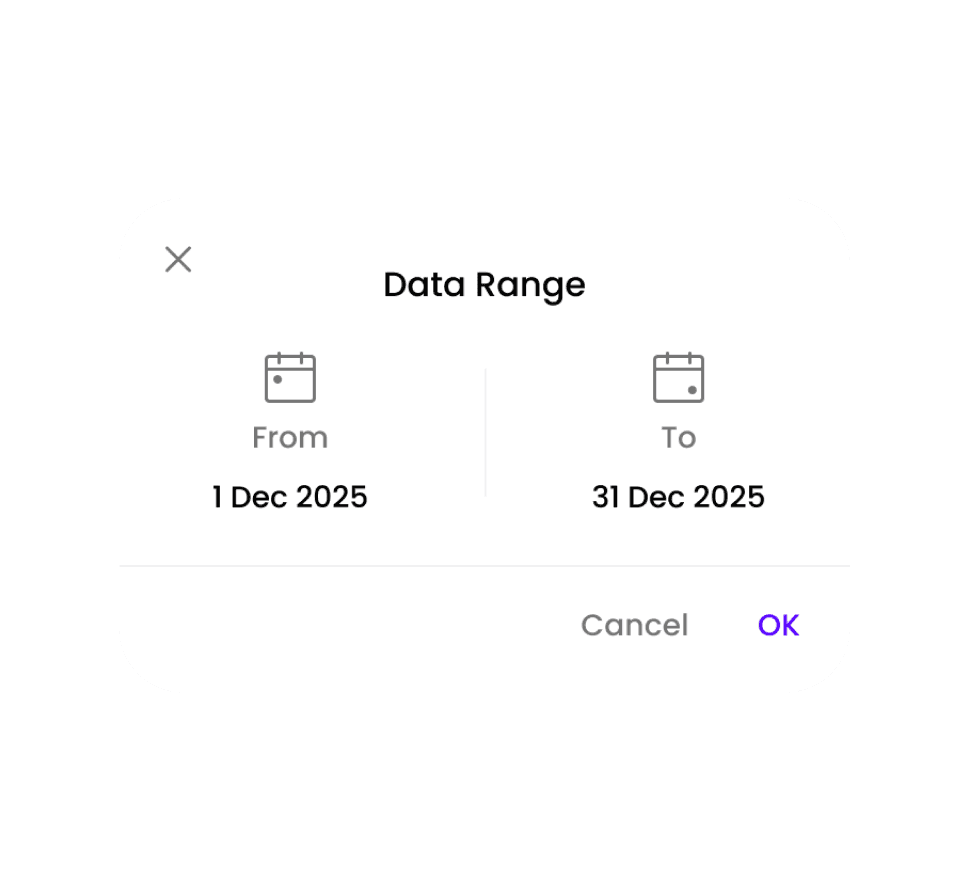
Date Range
Filter financial data by selecting a custom date range to dynamically update insights.
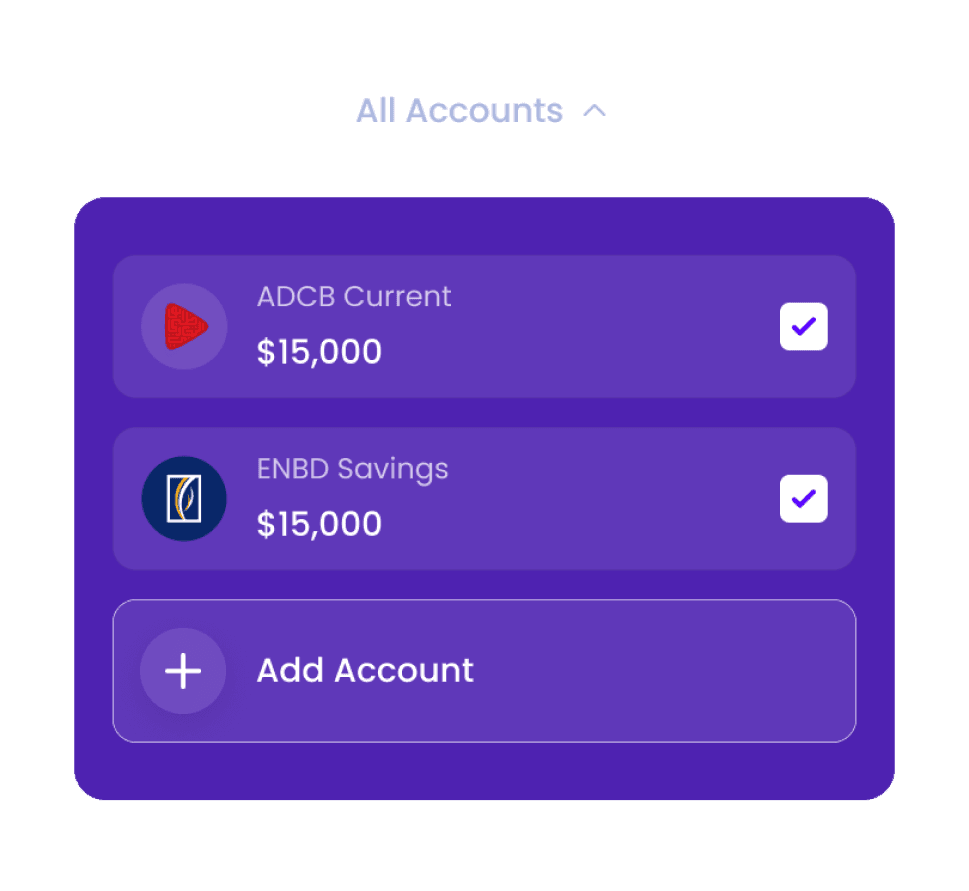
Account Filter
Switch between a specific account or view aggregated data across all uploaded statements.
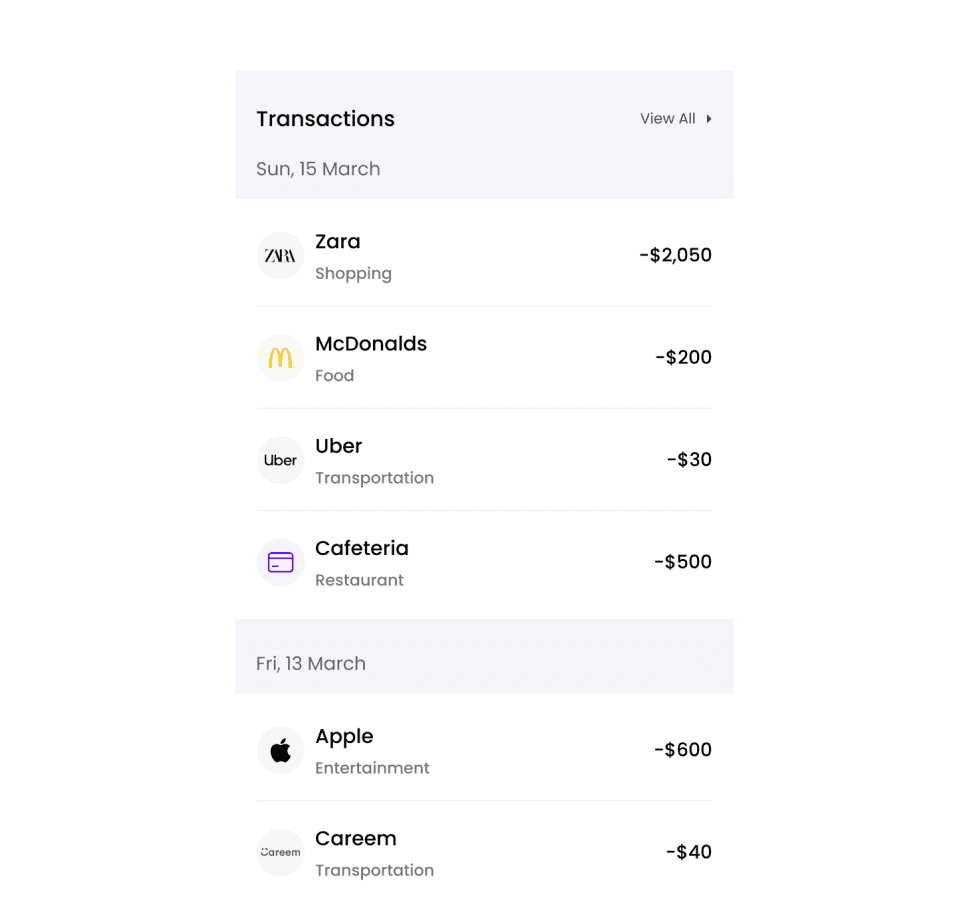
Transaction History
Detailed list of categorized transactions across selected accounts for full visibility.
Analytics Page
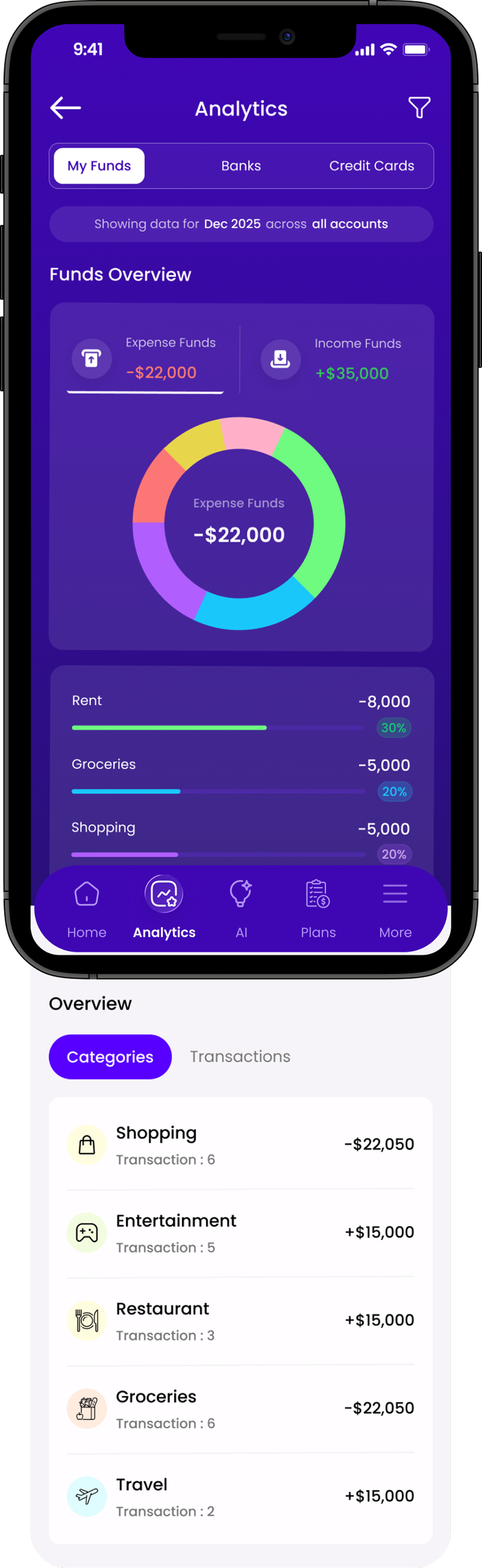
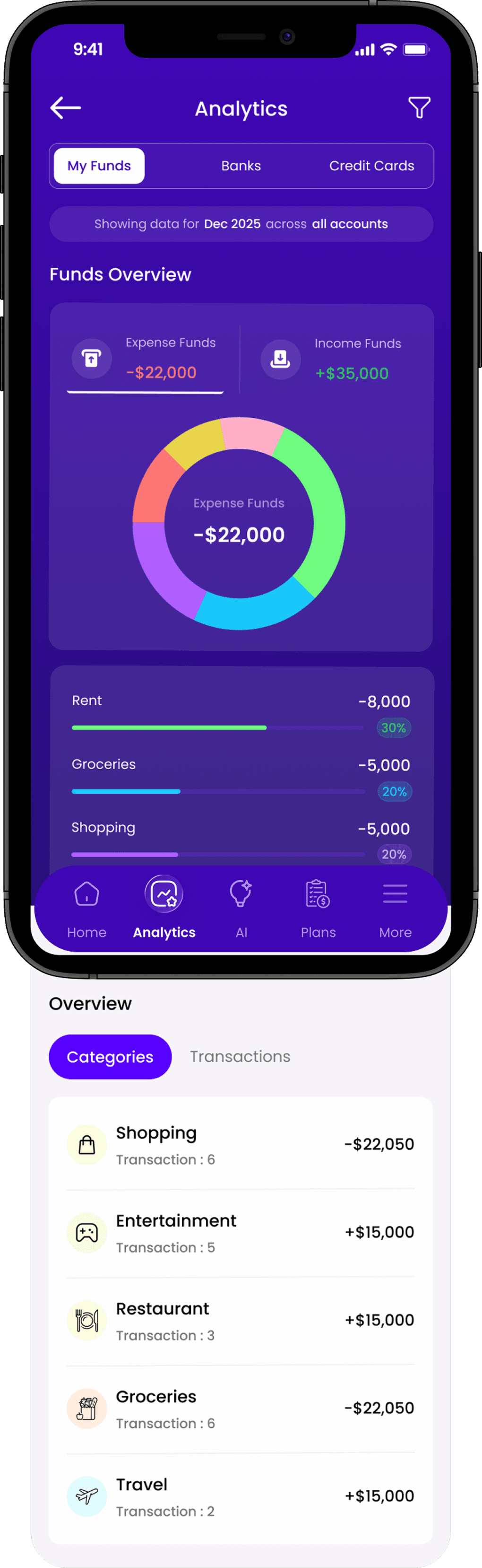
See where your money goes—view top spending categories and track income and expenses across all accounts or filter by a specific account.
Accounts & Filters
Switch between tabs to view all funds or specific accounts, and see the applied filters.
Funds Overview
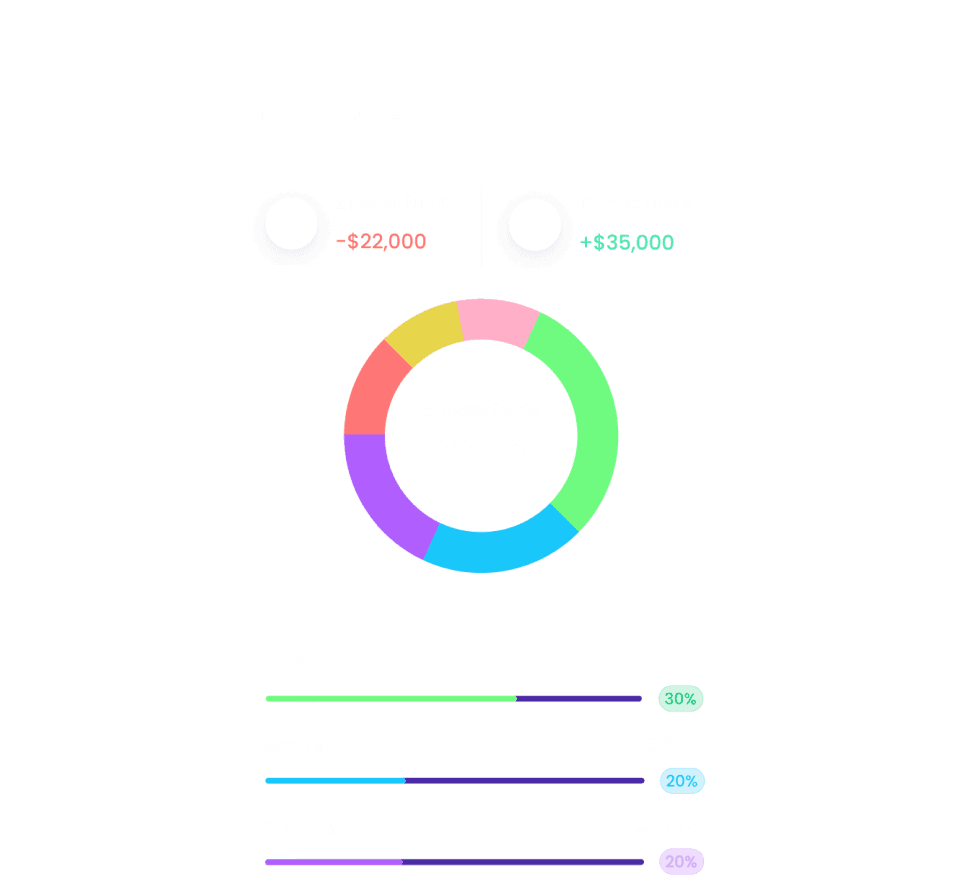
A quick overview of your income and expenses with key spending categories.
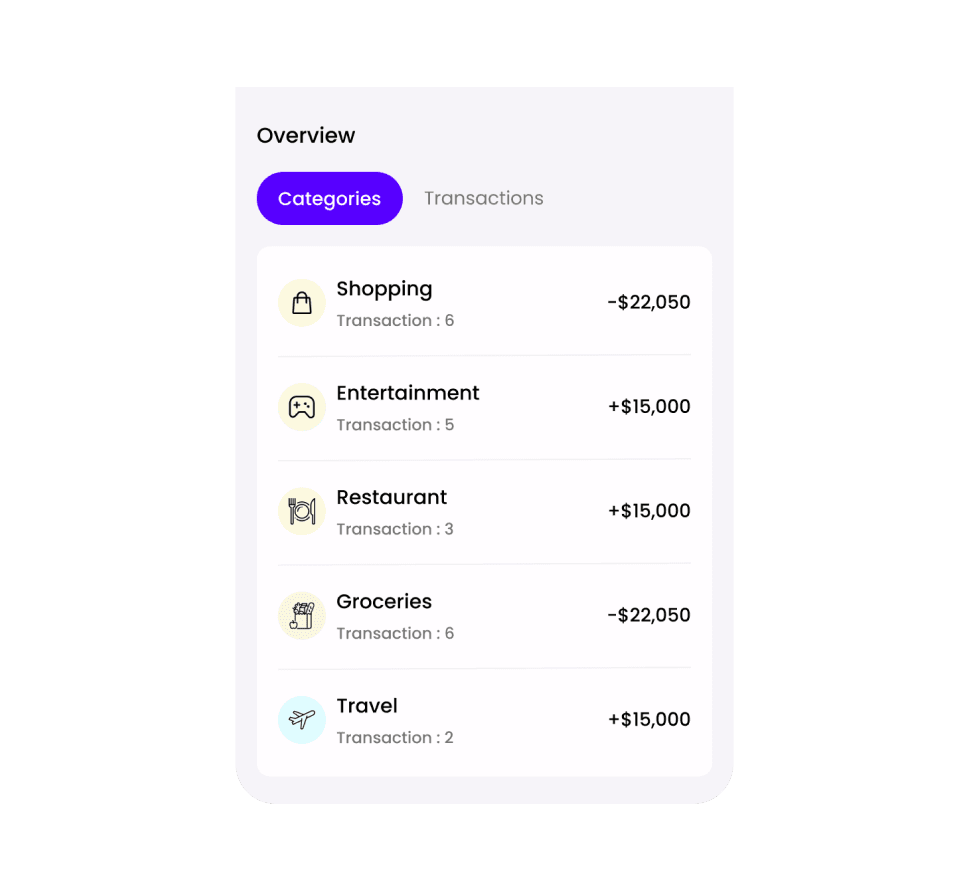
Overview
Explore your spending by categories or view all transactions in one place.
AI section explained
The AI doesn't just track. It acts. Instantly categorises spending, checks financial health, and provides proactive tips.
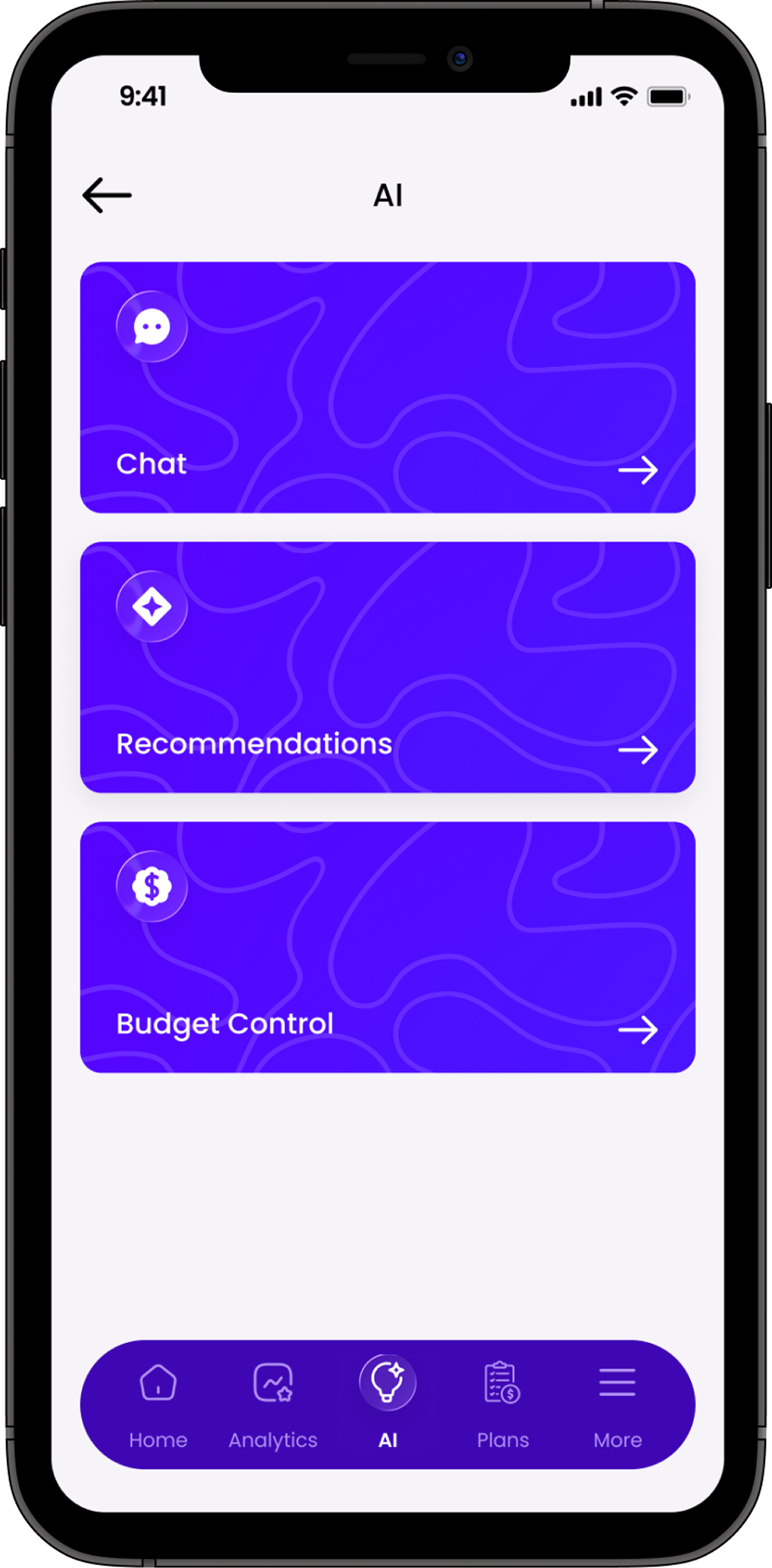
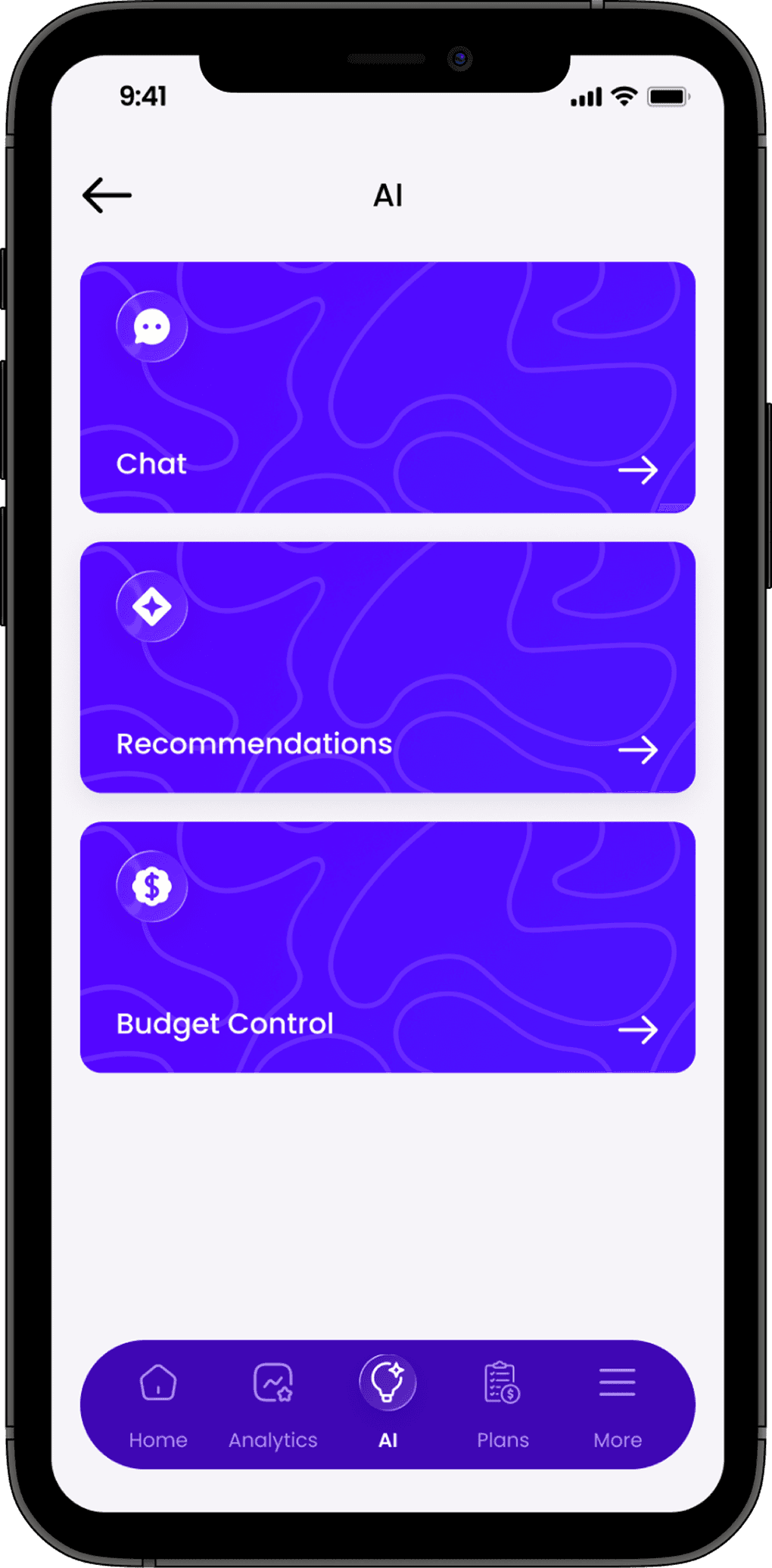

AI Chat
Get instant support from your AI assistant. Ask anything and get instant, personalized answers.
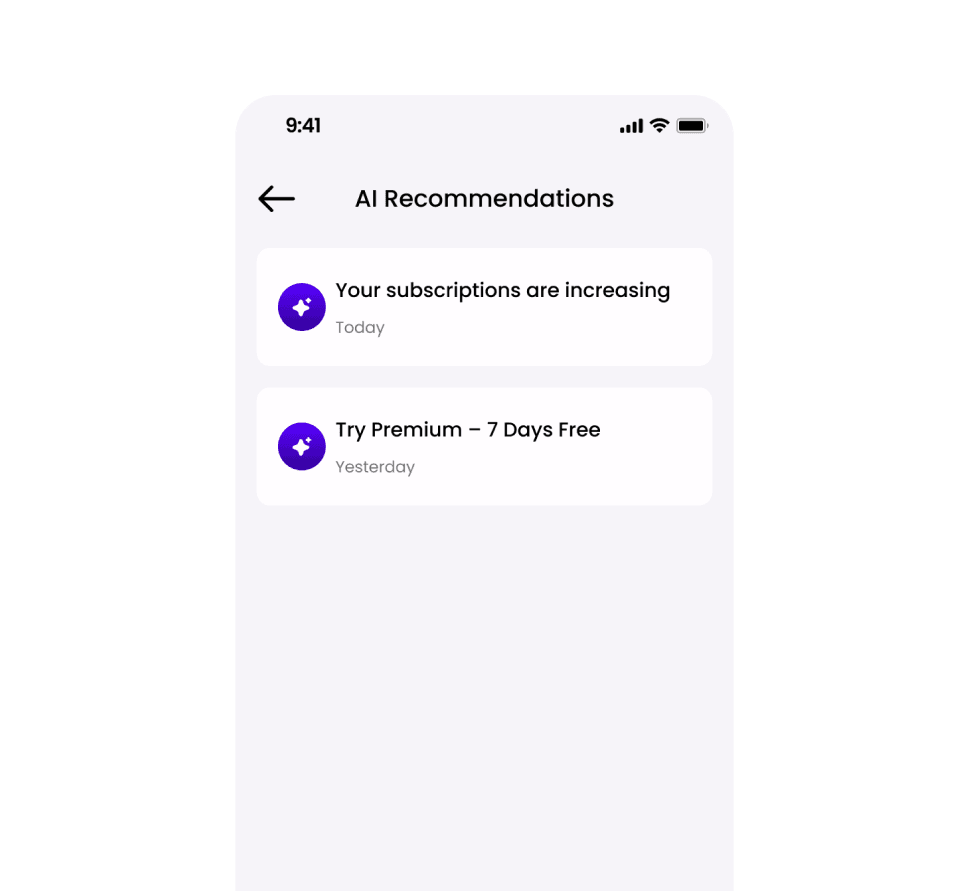
AI Recommendations
Get smart suggestions to optimize spending and subscriptions with personalized insights.
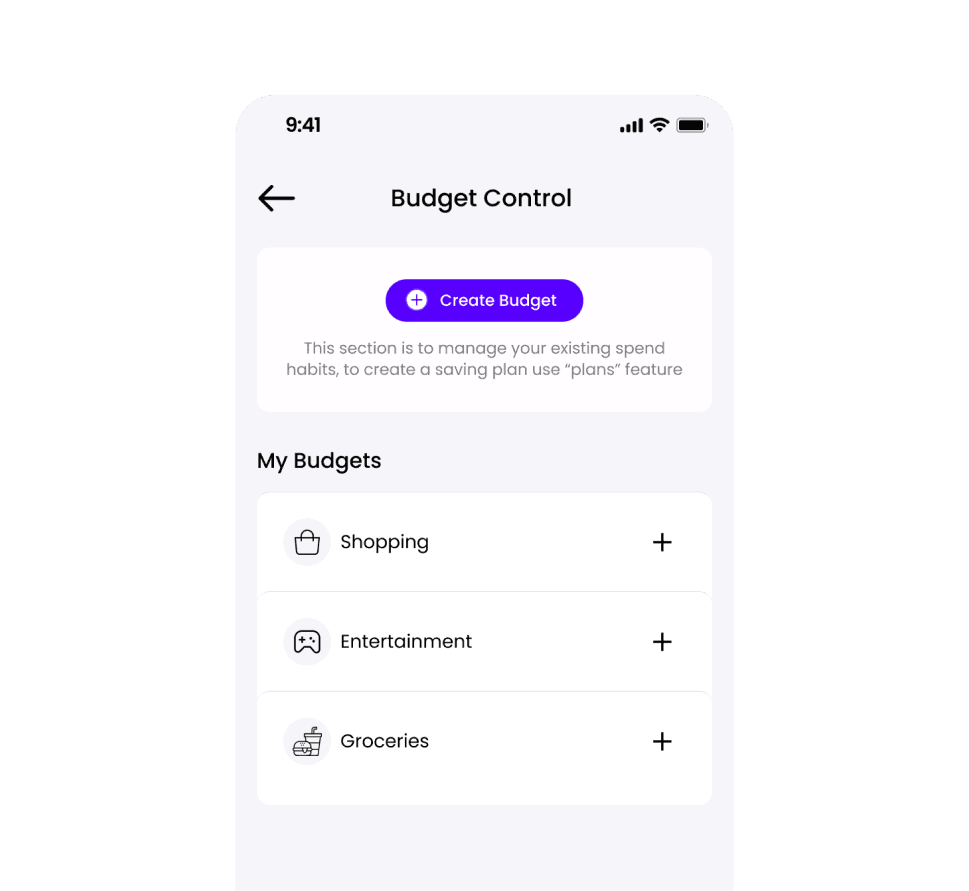
Budget Control
Create and manage budgets, set limits, and track progress in real time.
Smart Savings Planning
Plan your goals, track progress, and stay on target with flexible contributions.
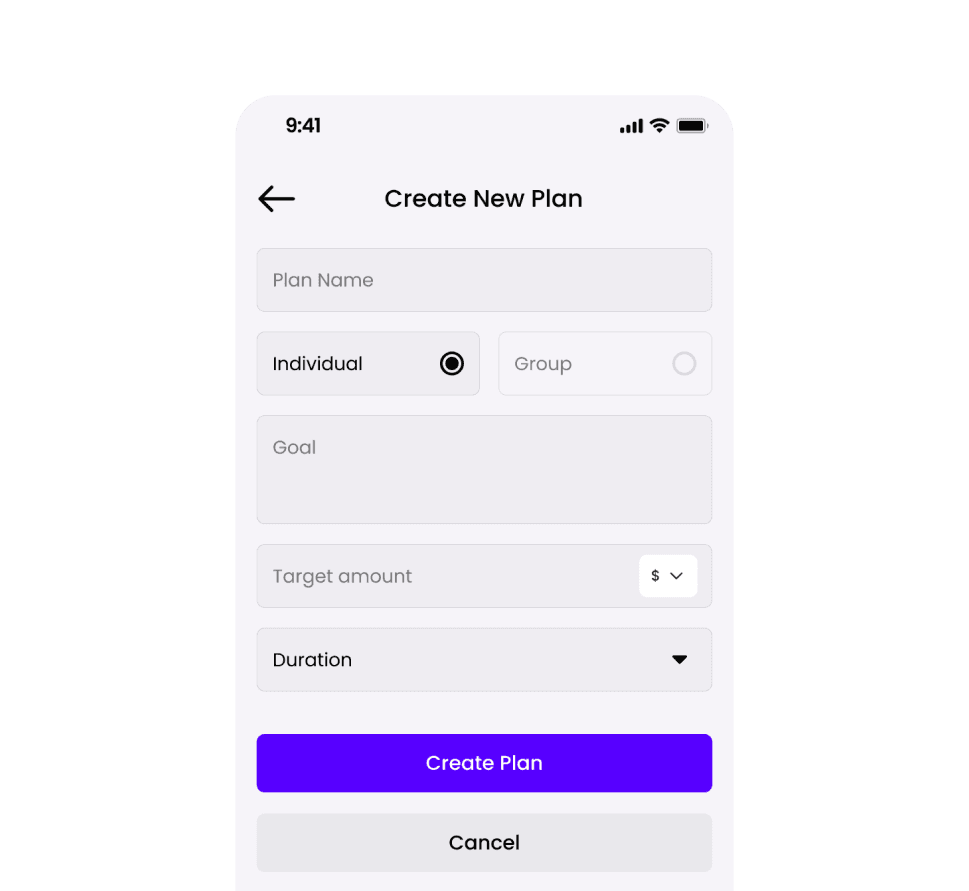
Create New Plan
Create a savings plan by setting your goal, target amount, and duration. Choose individual or group.
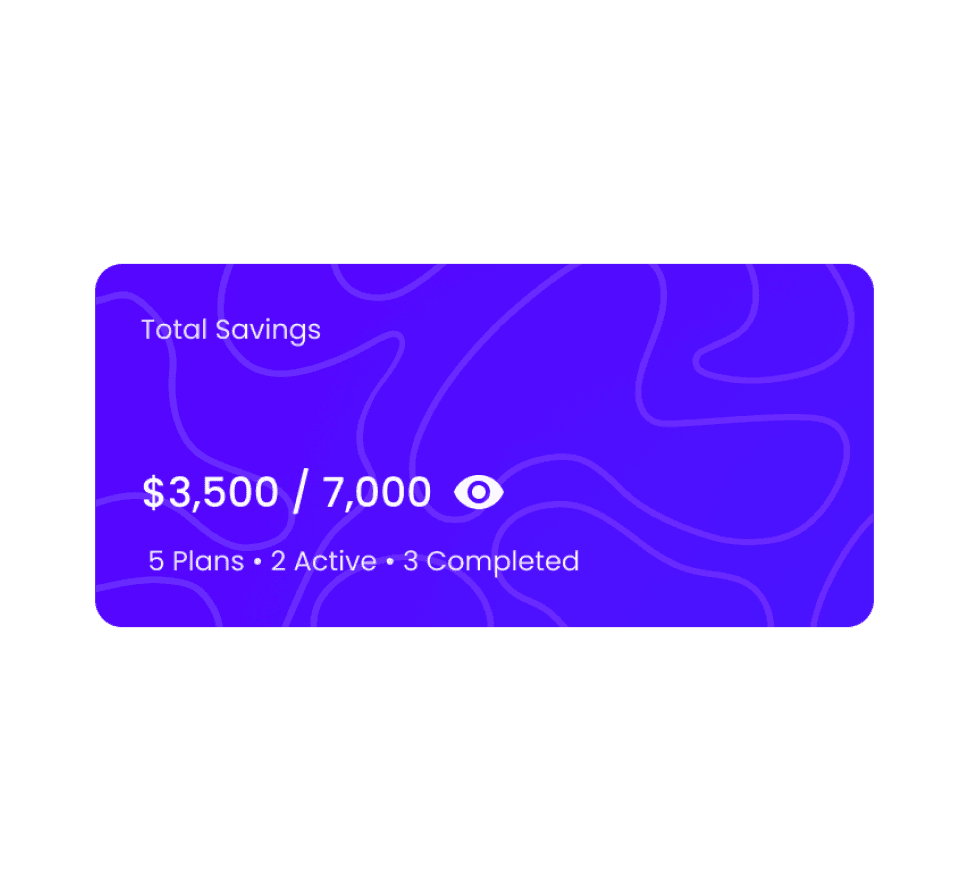
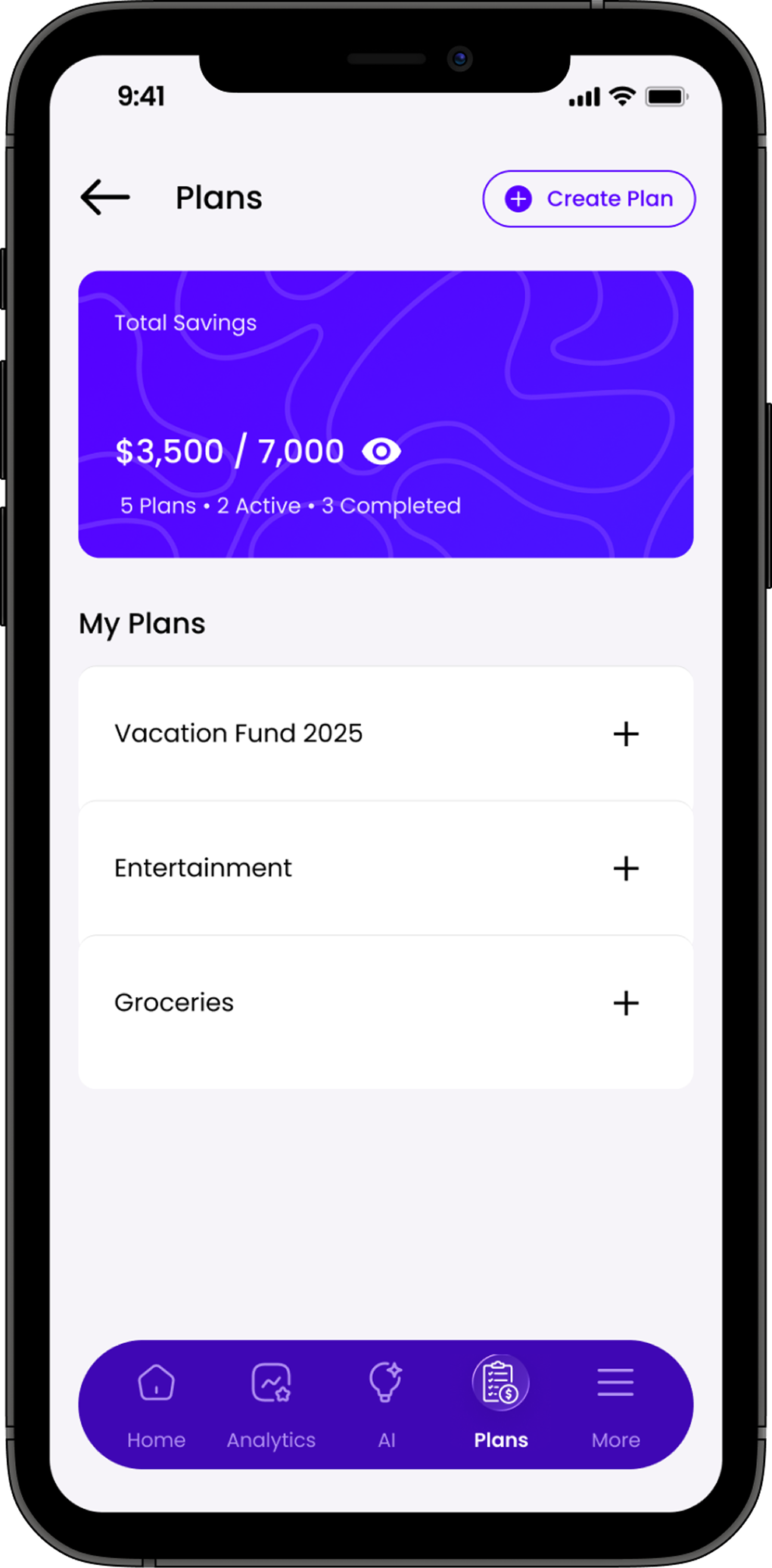
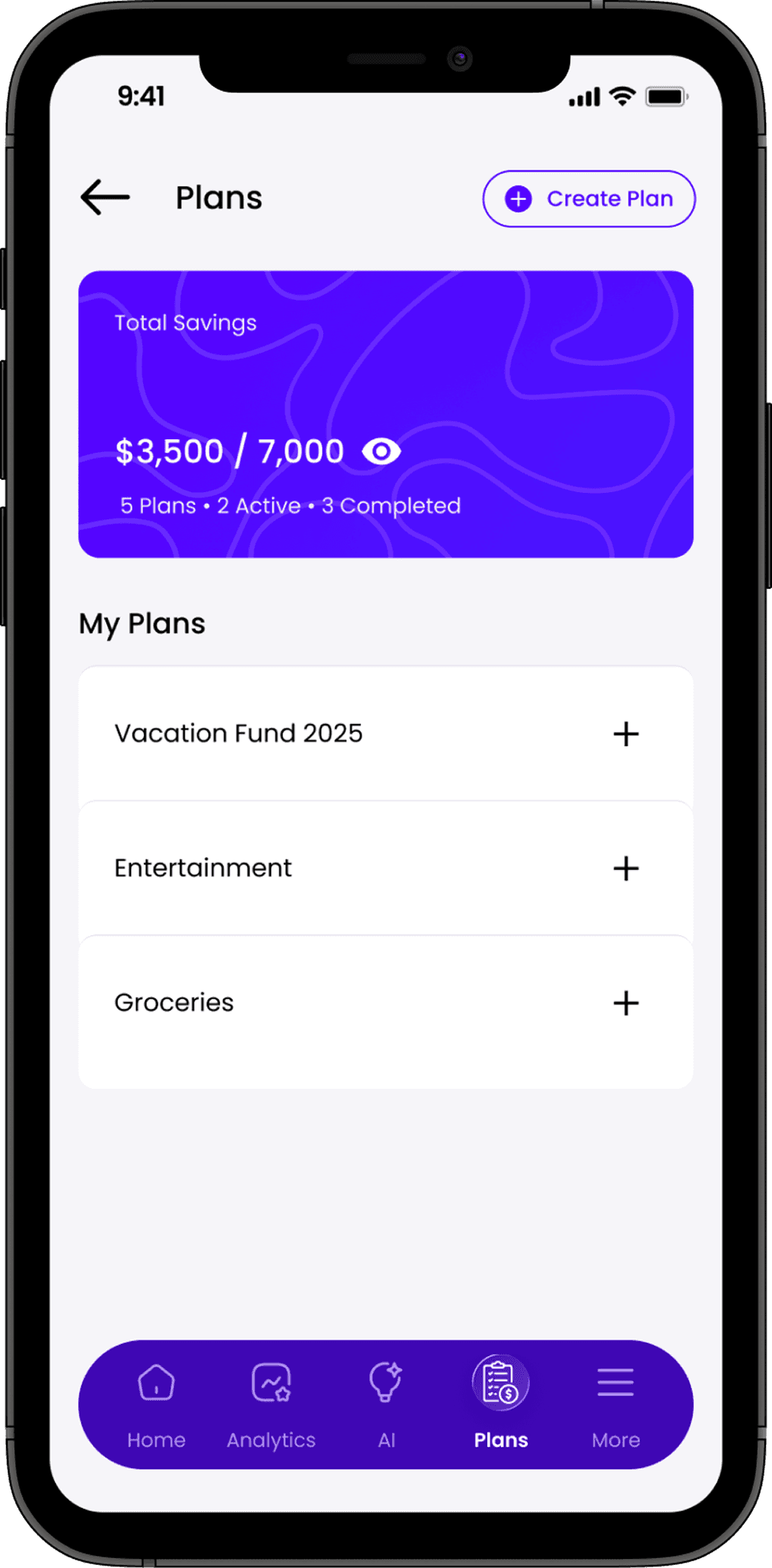
Plans Overview
See your total savings, number of plans, and their current status.
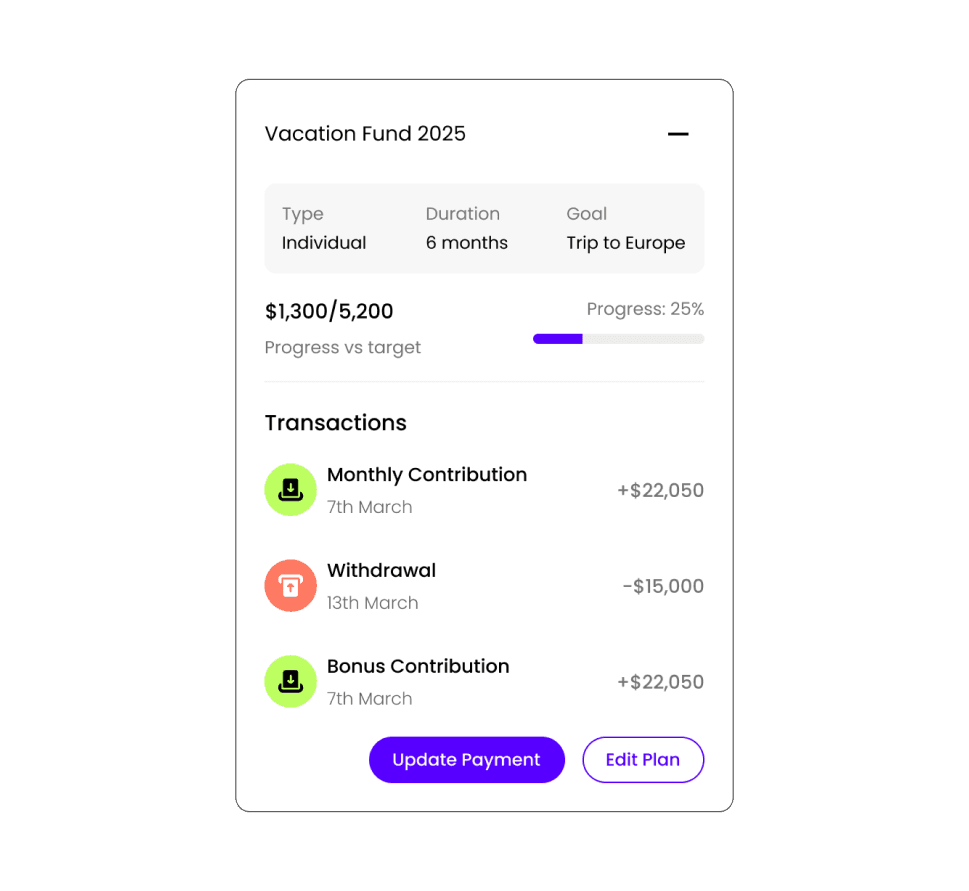
Plan Details
View goal details, target amount, duration, and real-time progress. Track contributions and withdrawals.